What Is Too Hot for a GPU? (Safe Temps and Fixes Revealed)
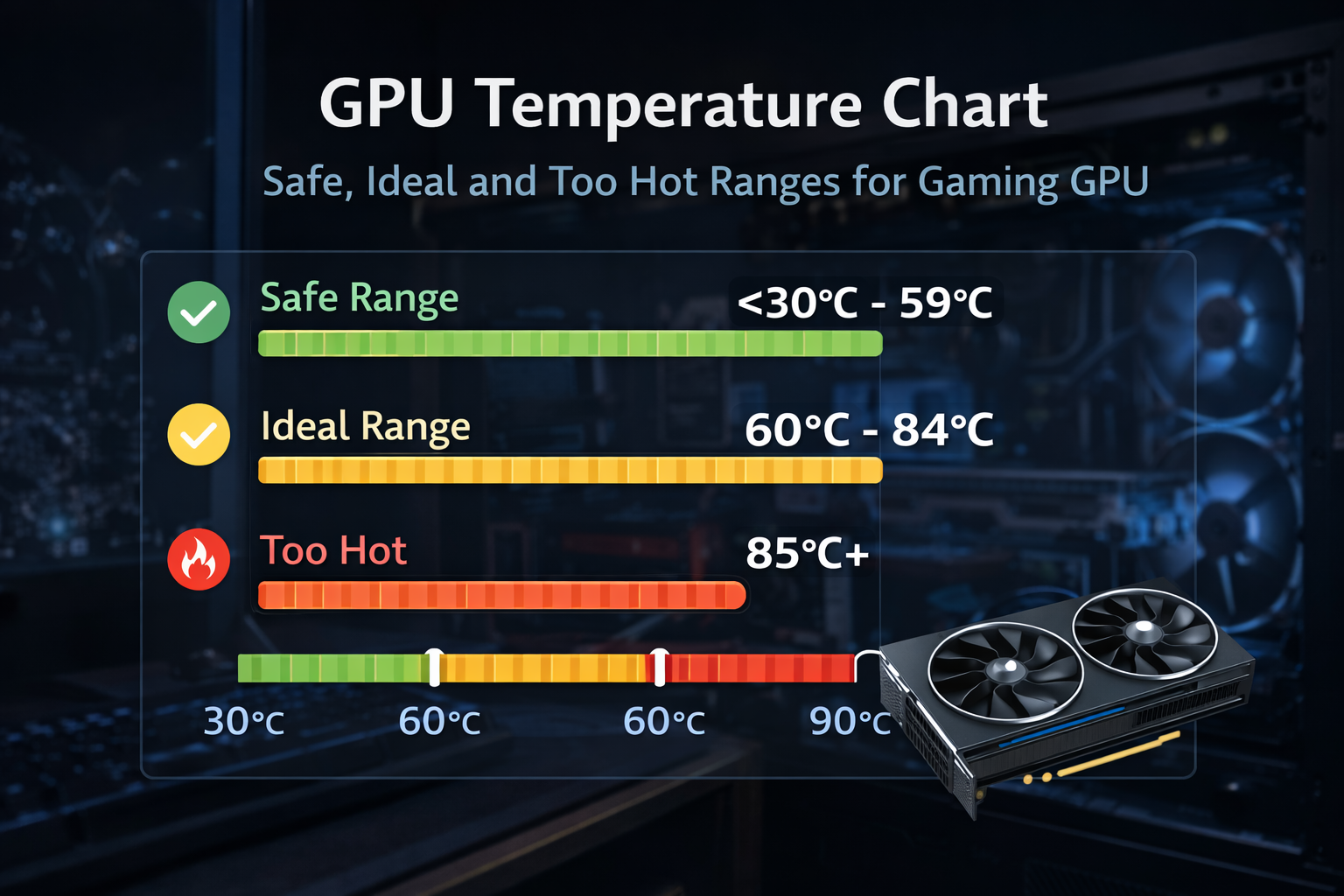
If your GPU hits high temperatures during gaming or rendering, you might wonder what is too hot for a GPU. Most modern graphics cards are designed to run safely between 65°C and 85°C under load. Temperatures above 90°C for long periods can lead to thermal throttling, performance drops, and long-term wear.
In this guide, you will learn safe ranges, warning signs, and proven ways to cool your GPU quickly.
GPU Temperature Basics:
GPU temperature directly affects performance, boost clocks, and lifespan. Modern graphics cards monitor several heat points:
- Core temperature: main chip heat
- Hotspot temperature: hottest internal point
- VRAM temperature: memory heat
Hotspot readings can be 10 to 20°C higher than core temps. This is normal unless they stay extremely high for long periods.
Safe baseline temperatures:
- Idle: 30 to 50°C
- Light use: 50 to 65°C
- Gaming/load: 65 to 85°C
Anything consistently above this range needs attention.
Also Read: What Temp Should My GPU Be?
What Does GPU Heat Mean for Your System?
Heat is the main enemy of electronics. Sustained high temperatures can:
- Reduce boost clocks
- shorten VRAM lifespan
- cause crashes
- trigger throttling
Most GPUs are built to protect themselves, but running hot daily can still reduce long-term reliability.
Idle vs. Load: Key Differences Explained
At idle, GPUs use very little power, so temperatures stay low.
During gaming or rendering, power draw increases heavily, which raises heat.
Example:
- Idle: 40°C
- Gaming: 70 to 85°C
- Stress test: 80 to 90°C
Short spikes are normal. Constant high heat is the real problem.
Why Temps Vary by NVIDIA vs. AMD
Different brands have different thermal limits.
NVIDIA GPUs:
- Ideal load: 65 to 80°C
- Throttle range: 90 to 95°C
AMD GPUs:
- Ideal load: 70 to 85°C
- Hotspot limits can reach 100 to 110°C
AMD cards often allow higher hotspot temps, but staying cooler always improves longevity.
AMD GPUs allow higher hotspot temperatures than most users realize. See the official thermal specs directly from AMD to understand what’s normal and what’s risky.
What Is Too Hot for a GPU? Safe Ranges Revealed?
A GPU becomes “too hot” when temperatures stay above 85 to 90°C for long periods.
Short spikes are usually safe, but sustained heat can cause throttling and hardware stress.
- Ideal load temp: 65 to 80°C
- Acceptable: up to 85°C
- Too hot: 90°C+ sustained
Keeping your GPU below 80°C gives the best balance of performance and lifespan.
Ideal Temps for Modern GPUs:
Modern GPUs perform best within this range:
| State | Temperature |
| Idle | 30 to 50°C |
| Gaming | 65 to 80°C |
| High load | 75 to 85°C |
| Too hot | 90°C+ |
If your GPU stays under 80°C while gaming, it is in a safe zone.
Danger Zone: When 90°C+ Spells Trouble
At 90°C or higher:
- Clocks drop
- Fans run loudly
- performance dips
- lifespan decreases
Most GPUs will throttle automatically to prevent damage, but running this hot regularly is not recommended.
Spikes vs. Sustained Heat: What’s Risky?
Short spikes: normal
Long sessions above 85°C: risky
If your GPU briefly touches 90°C but drops quickly, it is fine.
If it stays there for hours, the cooling needs improvement.
How to Check Your GPU Temperature Easily?
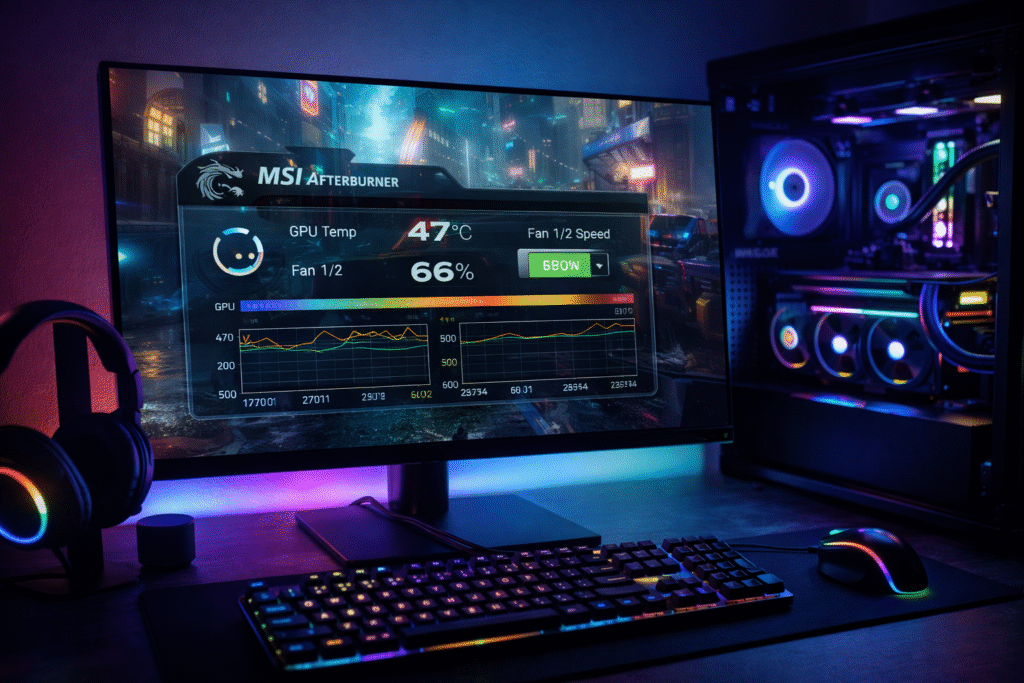
Monitoring temps is simple and essential.
Built-in Tools:
- NVIDIA overlay
- AMD software
Best free tools:
- MSI Afterburner
- HWInfo
- GPU-Z
Check temps during gaming, not just idle.
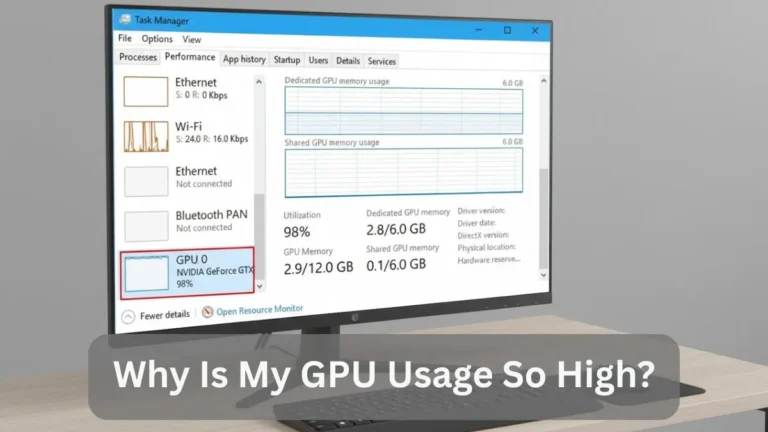
Also Read: GPU Usage So High on Windows?
Common Causes of GPU Overheating:
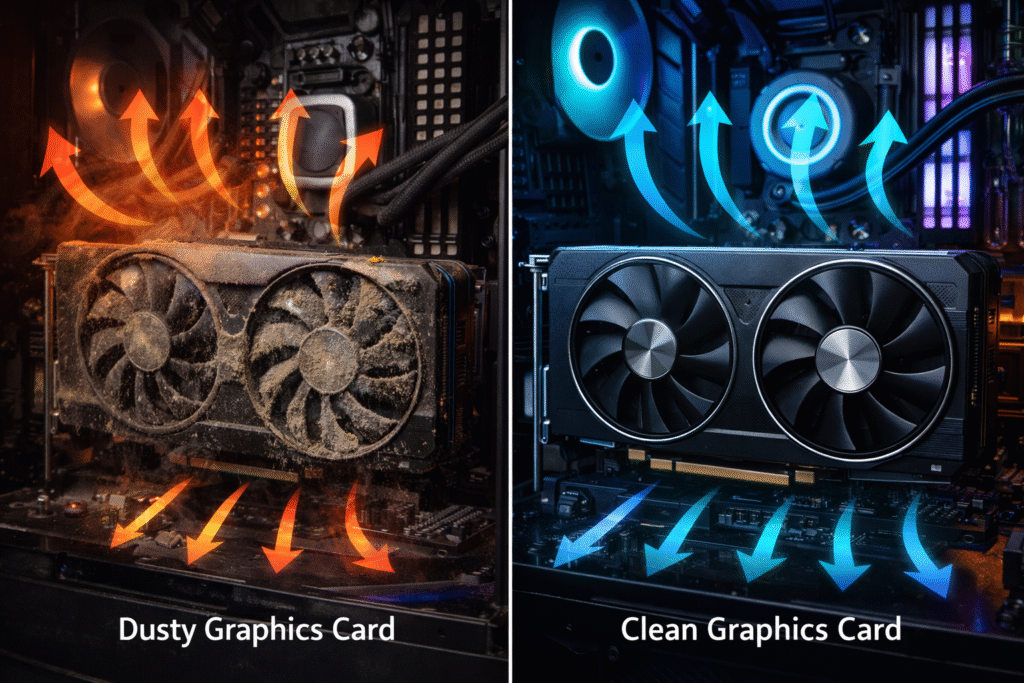
Most overheating issues come from airflow and maintenance problems.
Poor Airflow and Dust:
Dust blocks cooling and raises temperatures by 5 to 15°C.
Clean your PC every few months.
Heavy Workloads:
4K gaming, rendering, or AI tasks push GPUs harder and increase heat.
Old Thermal Paste:
After 2 to 3 years, thermal paste can dry out and raise temps significantly.
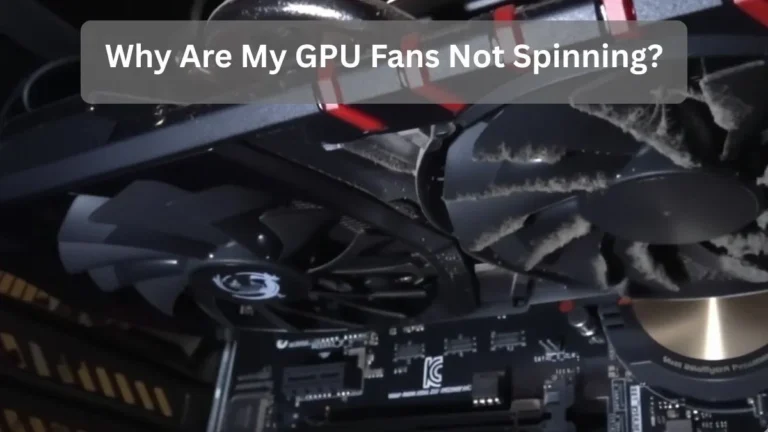
Also Read: GPU Fans Not Spinning?
Signs Your GPU Is Running Too Hot:
Watch for these warning signs:
- FPS drops
- loud fans
- stuttering
- crashes
- graphical artifacts
If these happen during gaming, check temps immediately.
Quick Fixes to Lower GPU Temperatures:
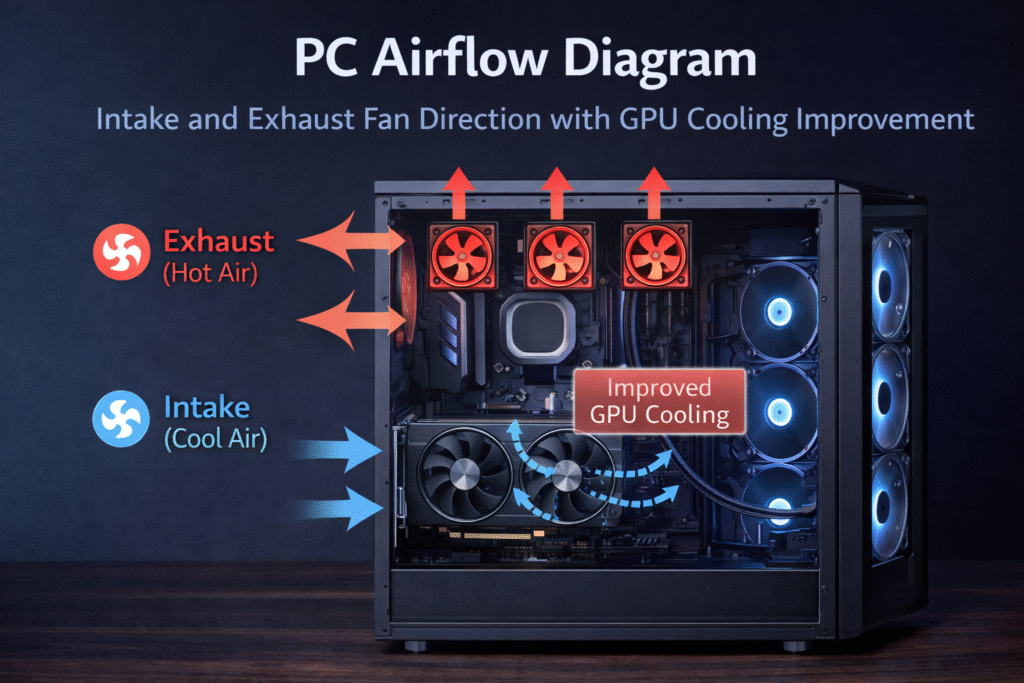
Clean dust:
A simple cleaning can reduce temperatures by 5 to 10°C.
Improve airflow:
Add intake fans and ensure good case ventilation.
Adjust fan curves:
Use MSI Afterburner to increase fan speed earlier.
Lower game settings:
Limiting FPS or enabling V-Sync reduces GPU load and heat.
Advanced Strategies: Undervolting and More
Undervolting:
Lowering the voltage can reduce temperatures by 10 to 15°C without losing performance.
Better cooling:
Aftermarket coolers or improved case airflow help significantly.
Room temperature:
A cooler room lowers GPU temps instantly.
Also Read: Is Fortnite CPU or GPU Heavy?
Common Mistakes to Avoid with GPU Heat:
- Ignoring dust buildup
- Using poor airflow cases
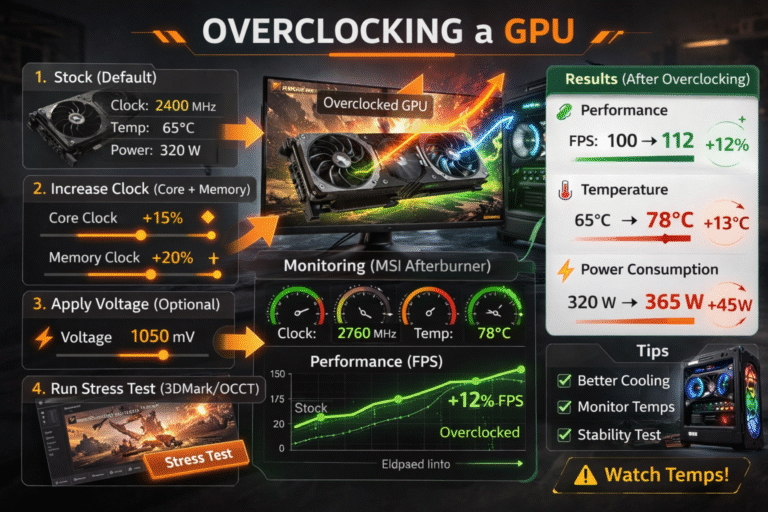
- Overclocking without cooling
- Panicking over small temp spikes
Consistency matters more than short spikes.
Expert Tips for Optimal GPU Performance:
- Keep load temps under 80°C
- Clean PC regularly
- Monitor temps during gaming
- Use proper airflow
- update drivers
These small habits keep GPUs running cooler and longer.
FAQ’s:
What temperature is too hot for a GPU?
GPU is considered too hot when it stays above 90°C for long periods. Most cards perform best between 65°C and 80°C under load.
Is 85°C safe for a GPU while gaming?
Yes, 85°C is generally safe for modern GPUs during heavy gaming, but keeping it under 80°C is better for long-term lifespan.
Can a GPU run safely at 90°C?
No, Brief spikes are okay, but running at 90°C continuously can cause throttling and reduce hardware lifespan.
How do I lower my GPU temperature quickly?
Clean dust, improve case airflow, adjust fan curves, and limit FPS in games. These simple steps can drop temperatures by 5 to 15°C.
Why does my GPU temperature rise so fast during games?
High graphics settings, poor airflow, dust buildup, or old thermal paste can cause rapid temperature increases under load.
Conclusion
So, what is too hot for a GPU? Anything above 85 to 90°C for long periods is too hot and can reduce performance and lifespan. Most GPUs run safely between 65°C and 80°C under load.
By monitoring temperatures, improving airflow, and adjusting settings, you can keep your GPU cool and performing at its best. Regular maintenance and simple tweaks go a long way in preventing overheating and extending your graphics card’s life.