What is N-Body Calculation on GPU? How GPUs Make It Faster!
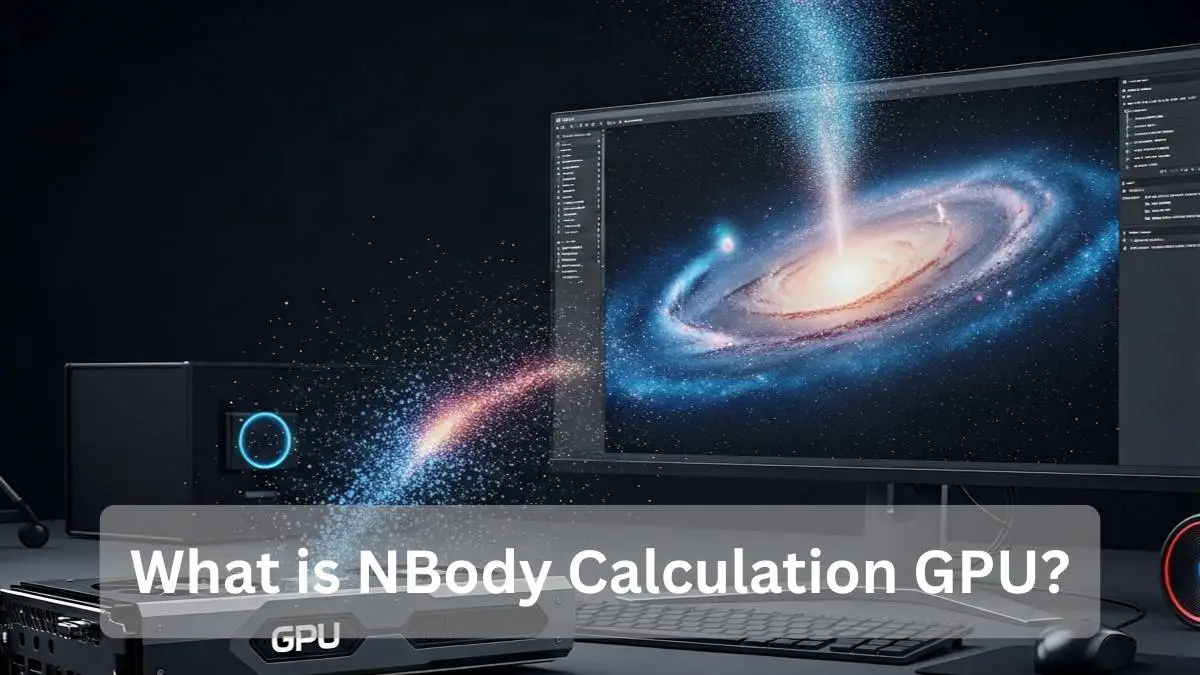
N-Body calculation on GPU is a simulation method used to compute how many objects interact with each other using forces like gravity. A GPU can process thousands of calculations simultaneously, making N-Body simulations much faster than CPUs. This technique is widely used in astrophysics, scientific research, and high-performance computing.
Have you ever wondered how scientists simulate millions of stars, planets, or particles moving simultaneously? N-Body Calculation on GPU makes these complex physics simulations faster, more accurate, and possible on modern computers.
Understanding N-Body Simulation on a GPU
N-Body calculation is a method used to study how many objects interact with each other in space or in a system. Every object affects every other object.
For example:
- Planets are pulling each other with gravity
- Molecules interacting in chemistry
- Particles moving in a simulation
A GPU is perfect for this because it can process many calculations at the same time using parallel computing.
This makes an N-Body simulation:
- Faster
- More efficient
- Able to handle large particle systems
How Does N-Body Simulation Work?
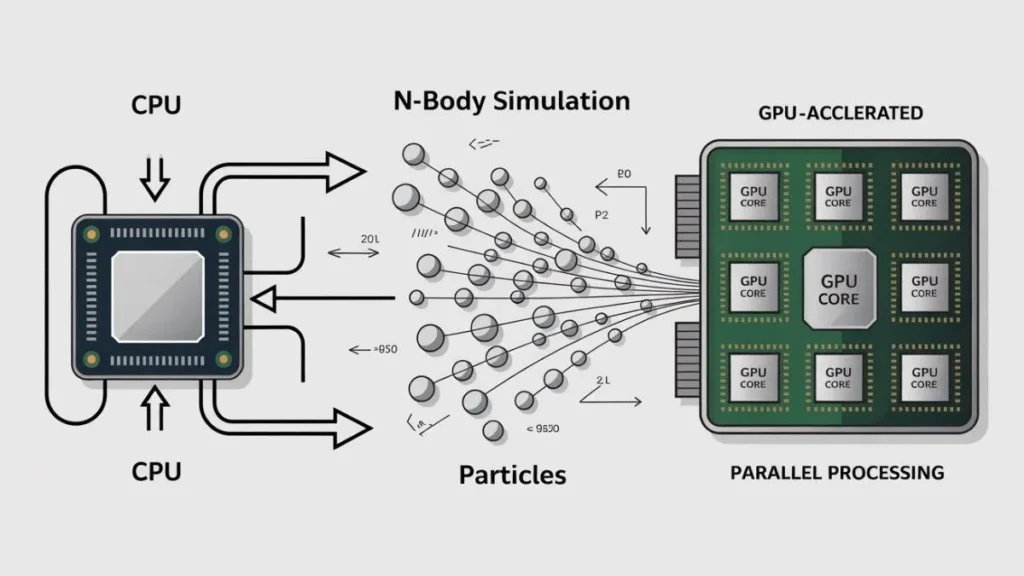
In an N-Body simulation, a computer calculates how many objects affect each other through forces like gravity.
The process works like this:
- Read the position and mass of each object
- Calculate the force between objects
- Update movement and velocity
- Repeat the process many times
When thousands or even millions of objects interact together, the calculations become extremely heavy. This is why GPUs are commonly used to run N-Body simulations faster and more efficiently.
If you are new to graphics cards, you can first understand what a GPU is before learning how N-Body simulations run on it.
What Does the N-Body Benchmark Measure?
The N-Body benchmark measures how fast a GPU can calculate particle interactions. It is mainly used to test GPU compute performance, not gaming performance.
The benchmark checks:
- Floating-point performance (GFLOPS)
- Parallel processing power
- Memory bandwidth
- Large particle simulation handling
- Overall GPU compute efficiency
A higher score means the GPU is strong at scientific computing and physics workloads.
Why Does N-Body Benchmark Favor Older GPUs?
Sometimes older GPUs perform surprisingly well in the N-Body benchmark. This happens because the test focuses on raw computing power.
Main reasons include:
1. More focus on FP32 math
Older GPUs often used more cores for floating-point calculations.
2. No need for modern features
The test does not use AI cores or ray tracing hardware.
3. Pure compute workload
N-Body mainly checks raw math performance instead of graphics features.
This is why some older high-end GPUs can still perform very well in this benchmark.
Benchmarks like N-Body can show how different GPU performance tiers behave in raw compute workloads.
GPU vs CPU: Which Is Better for Physics Calculations?
Both GPUs and CPUs are important, but they are good at different tasks.
GPU Strengths
- Handles thousands of calculations at once
- Great for large simulations
- Faster for particle systems
CPU Strengths
- Better for step-by-step logic
- More precise control
- Useful for smaller simulations
In most large N-Body simulations, GPUs provide much faster results.
Is CUDA Faster Than OpenCL for N-Body Simulation?
In many cases, CUDA performs faster than OpenCL on NVIDIA graphics cards because it is built specifically for their hardware.
Key differences:
CUDA:
- Highly optimized for NVIDIA GPUs
- Easier to use with ready tools
- Strong performance in simulations
OpenCL:
- Works on multiple hardware platforms
- More flexible
- Slightly slower on NVIDIA GPUs
If you use an NVIDIA GPU, CUDA usually gives better performance for N-Body workloads.
To understand how GPU acceleration works in detail, you can explore the official CUDA documentation provided by NVIDIA.
Factors That Affect N-Body GPU Performance
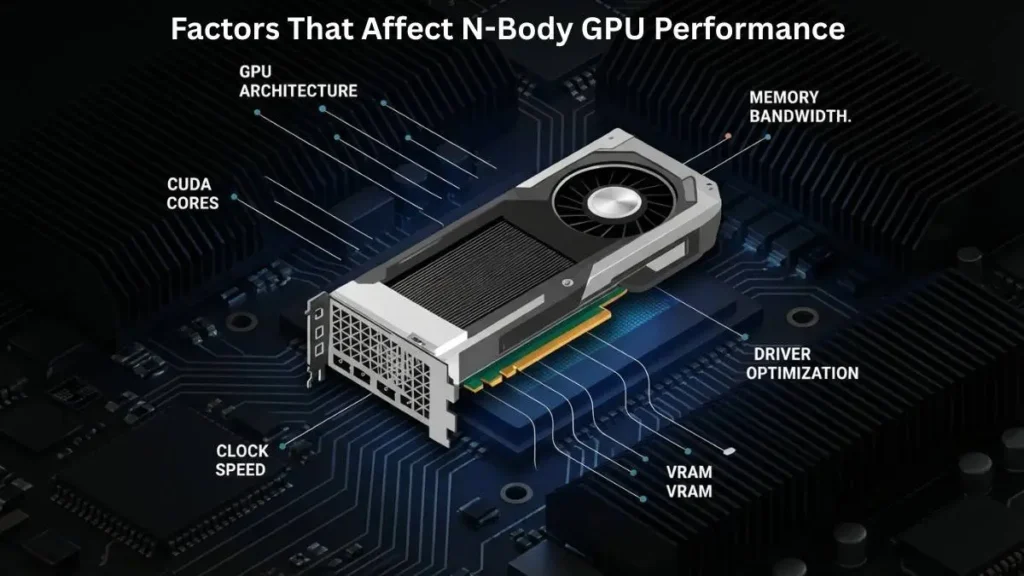
Not all GPUs perform the same in N-Body simulations. Several hardware factors play an important role.
Important factors include
- GPU architecture
- CUDA cores or compute units
- Memory bandwidth
- Clock speed
- Driver optimization
- VRAM size
A GPU with strong compute power and high bandwidth usually performs best.
Does Memory Bandwidth Affect NBody Speed?
Yes, memory bandwidth is very important for N-Body performance.
Each GPU thread reads and writes particle data many times. If the memory is slow, the simulation becomes slower.
High bandwidth helps because:
- Data moves faster between memory and cores
- Large simulations run smoothly
- Bottlenecks are reduced
Modern GPUs with fast memory like GDDR6X or HBM perform better in large simulations.
How to Optimize CUDA Kernels for N-Body Simulations
Optimizing CUDA kernels can improve performance significantly.
Here are proven tips used by developers:
Use Shared Memory
Store nearby particle data locally to reduce delays.
Optimize Thread Blocks
Using 128–256 threads per block usually gives good performance.
Reduce Extra Calculations
Use fused multiply-add operations and precompute values.
Use Proper Precision
Use FP32 for speed and FP64 when accuracy is important.
Profile Your Code
Performance tools can help find slow sections in your simulation.
These techniques help simulations run faster and more efficiently.
Before optimizing heavy simulations, it’s a good idea to check your GPU performance and health to make sure your hardware is running properly.
How Accurate is GPU N-Body Benchmark?
TThe GPU N-Body benchmark is accurate for measuring parallel computing performance and how efficiently a GPU handles physics-based calculations between many particles. It is mainly used to compare GPU compute power.
The N-Body benchmark is useful for:
- Comparing GPU compute performance
- Testing parallel processing capability
- Measuring physics simulation speed
However, it does not measure all types of GPU workloads, such as:
- AI and machine learning performance
- Ray tracing performance
- Video editing workloads
- Gaming performance
Because of this, hardware experts recommend using multiple benchmarks to understand the real performance of a GPU.
What Are Real-World Uses of N-Body GPU Simulation?
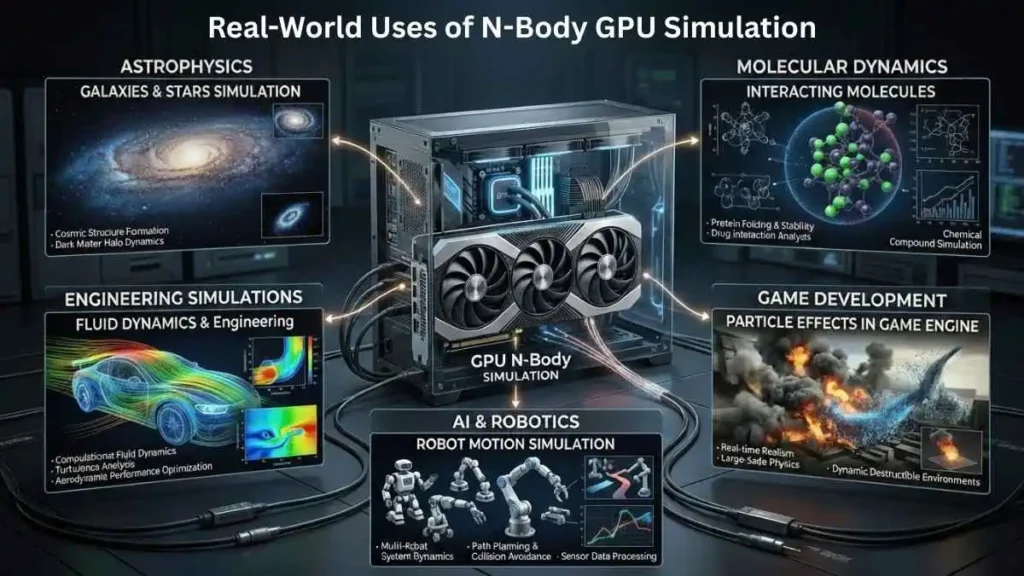
N-Body simulations are used in many industries and research fields.
1. Astrophysics
Scientists simulate galaxies, star systems, and black holes.
2. Molecular Dynamics
Researchers study how molecules interact in medicine and chemistry.
3. Game Development
Game engines use particle systems and physics effects.
4. AI and Robotics
Simulations help predict movement and object behavior.
5. Engineering Simulations
Used in fluid dynamics and large physics models.
Because GPUs are powerful, they allow researchers to simulate systems that were impossible before.
Best GPUs for N-Body Benchmark in 2026
In 2026, several GPUs deliver excellent performance in N-Body simulations, including models from NVIDIA and AMD.
Top features to look for:
- High FP32 performance
- Large VRAM capacity
- High memory bandwidth
- Strong cooling system
- Stable drivers
High-end GPUs designed for compute workloads usually perform the best.
N-Body Benchmark vs Other GPU Benchmarks
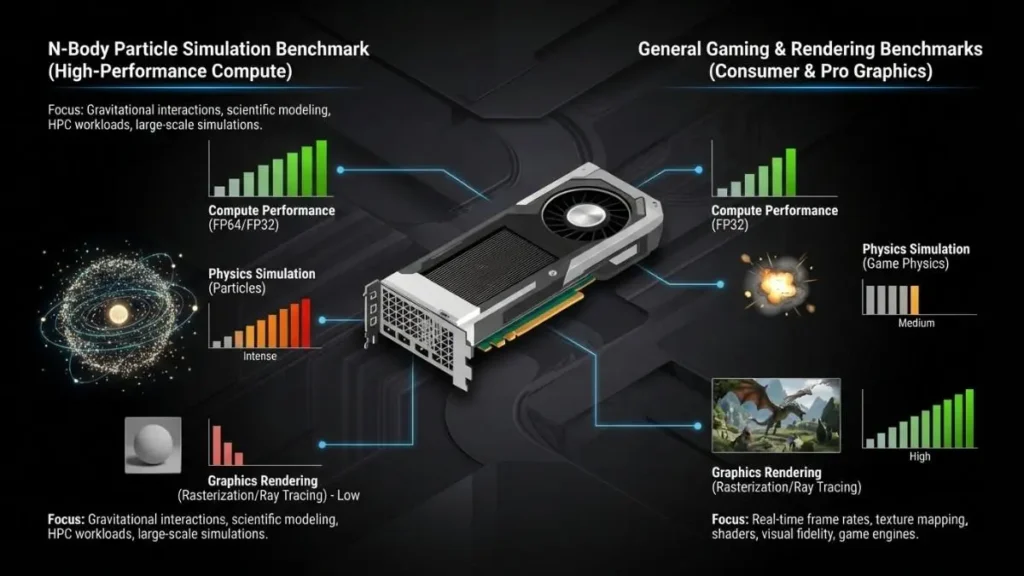
The N-Body benchmark is different from many popular GPU tests.
N-Body Benchmark
- Focuses on physics simulations
- Tests compute power
- Measures particle interaction speed
Gaming Benchmarks
- Test graphics performance
- Focus on rendering and FPS
AI Benchmarks
- Measure machine learning tasks
- Use tensor cores and AI accelerators
Using multiple benchmarks gives a better understanding of GPU performance.
FAQs
What is the N-Body GPU benchmark?
It is a test that measures how fast a GPU can calculate interactions between many objects.
Why do some older GPUs score higher?
Because the benchmark focuses on raw compute power instead of modern features.
Is N-Body useful for gaming performance?
Not really. It mainly measures scientific computing performance.
Does more VRAM improve N-Body performance?
Yes. More VRAM allows larger simulations without slowdowns.
Is GPU better than CPU for N-Body?
For large simulations, GPUs are much faster due to parallel processing.
Conclusion
N-Body Calculation on GPU makes complex physics simulations faster and more efficient by using powerful parallel computing. It helps researchers, engineers, and developers study large particle systems with better speed and accuracy. While benchmarks show raw compute strength, real performance improves when strong GPUs, optimized code, and balanced hardware are used together in modern simulations.